How to Shorten a Google Drive Link (Files, Folders and Direct Downloads)
Google Drive links are long and messy. Learn how to share a Drive file or folder with a short link, make direct-download and PDF links, and see how many people opened it.
In this article
Quick answer: In Google Drive, click Share, set General access to Anyone with the link and click Copy link. Paste the link into Url Jetz, add a name like
brochure, and click Shorten. For a one-tap download, usehttps://drive.google.com/uc?export=download&id=FILE_IDbefore shortening.
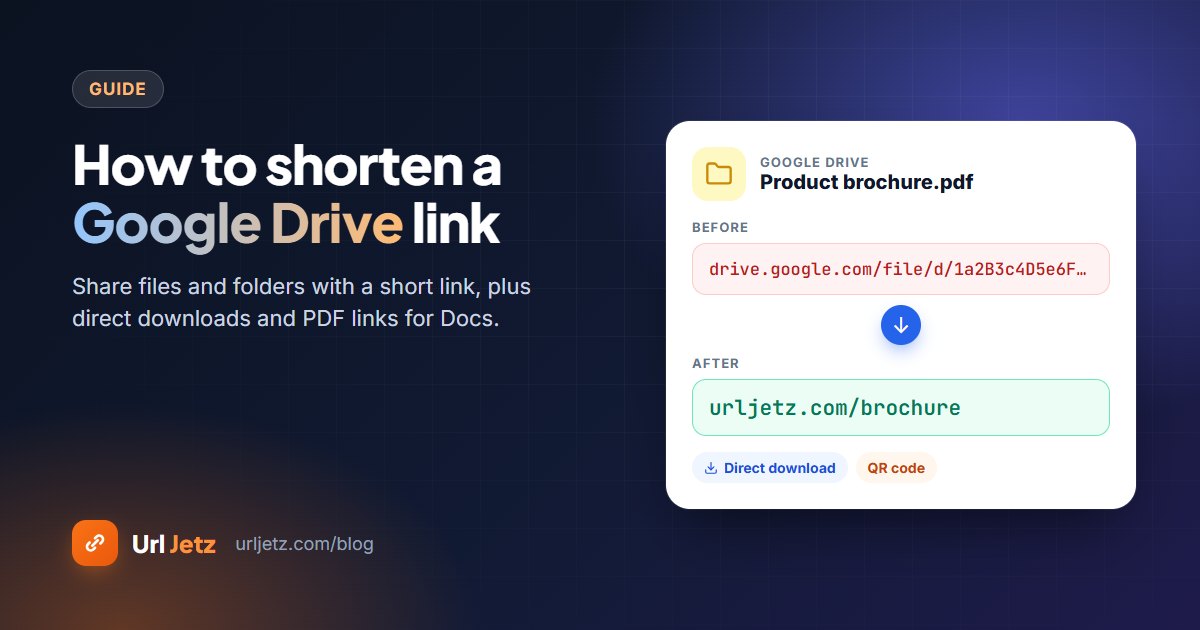
Google Drive share links look like this:
https://drive.google.com/file/d/1a2B3c4D5e6F7g8H9i0J/view?usp=sharing
They work, but they're hard to read, impossible to type and look the same for every file. Here's how to share a Drive file or folder with a short, readable link, plus a few tricks for direct downloads and Google Docs.
Step 1: Get the right share link
Before you shorten anything, make sure people can actually open the file:
- In Google Drive, right-click the file or folder and choose Share.
- Under General access, choose Anyone with the link if the link will be public. Leave it Restricted if only specific people should open it.
- Pick Viewer, Commenter or Editor.
- Click Copy link.
Good to know: A short link doesn't change Drive permissions. If the file is Restricted, people will still be asked to sign in or request access.
Step 2: Shorten the link
- Open Url Jetz and paste the Drive link.
- With a free account, open Custom alias and add a name such as
class-notesorprice-list. - Click Shorten and copy your link, for example
urljetz.com/class-notes.
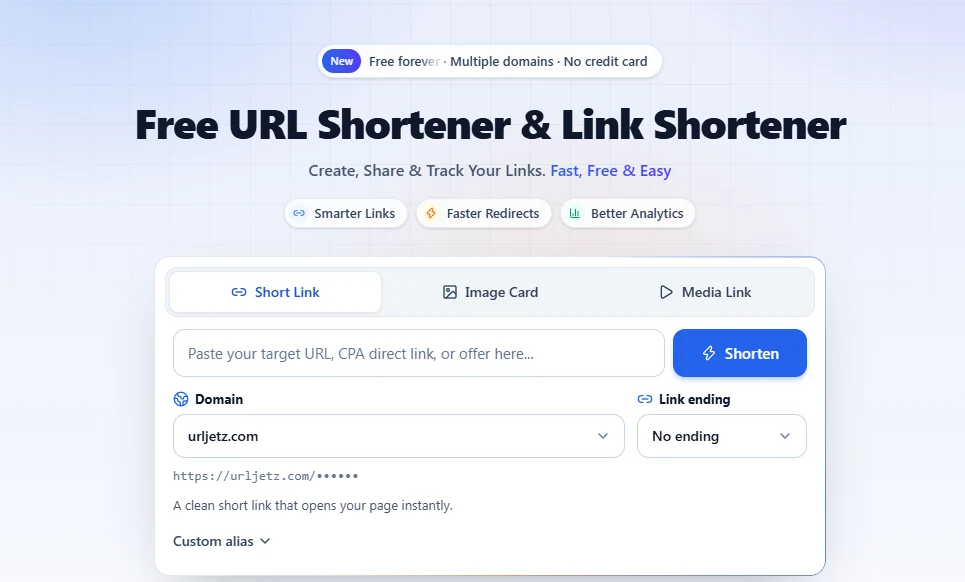
Now the link says what it is, fits on a slide and comes with a free QR code for print.
Make a direct download link
A normal Drive link opens a preview page. To start the download straight away, take the file's ID (the part between /d/ and /view) and put it into Google's download address.
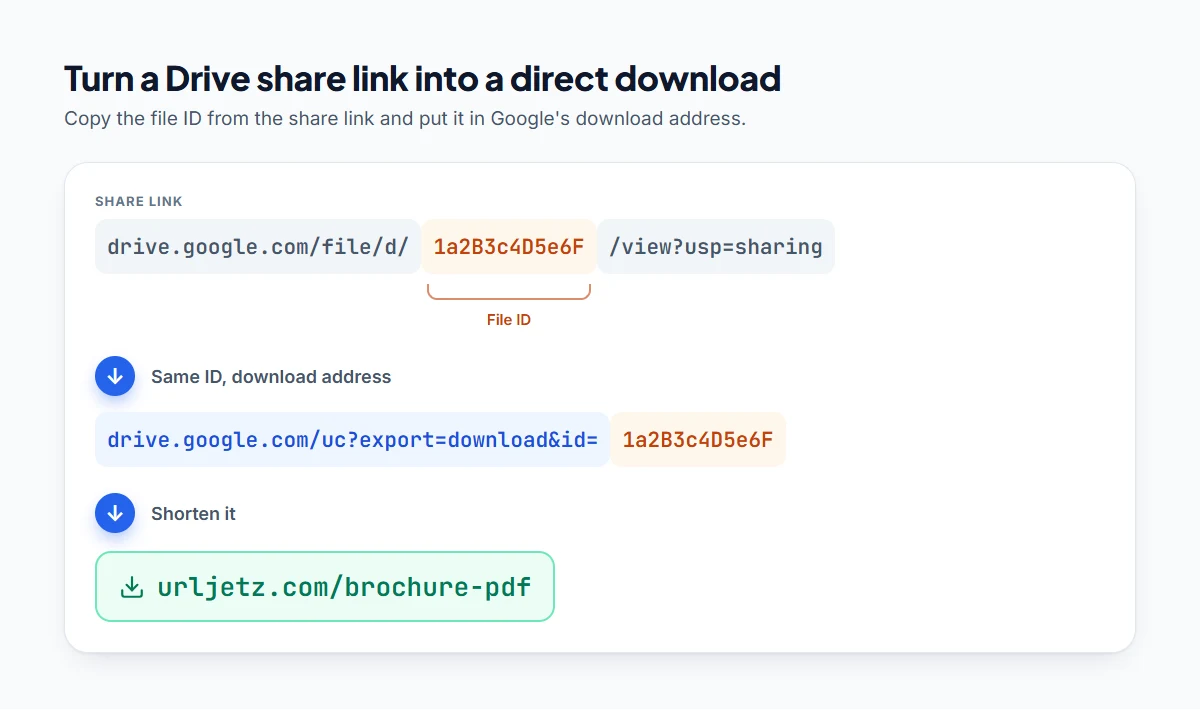
So https://drive.google.com/file/d/1a2B3c4D5e6F/view becomes:
https://drive.google.com/uc?export=download&id=1a2B3c4D5e6F
Shorten that address and you have a one-tap download link like urljetz.com/brochure-pdf.
For large files Google may show a page saying it can't scan the file for viruses, with a Download anyway button. That's normal.
Handy links for Google Docs, Sheets and Slides
You can change the end of a Docs, Sheets or Slides address to control what happens when people open it. Replace /edit... at the end of the address with:
| Ending | What it does |
|---|---|
/view |
Opens in view-only mode |
/copy |
Asks the visitor to save their own copy (great for templates) |
/export?format=pdf |
Downloads a Google Doc as a PDF |
/export?format=xlsx |
Downloads a Google Sheet as an Excel file |
/preview |
Opens a clean preview without the editing toolbar |
For example, a template you want students to copy:
https://docs.google.com/document/d/DOC_ID/copy
Shorten it to urljetz.com/essay-template and every student gets their own copy with one tap.
Share a folder
Folder links work the same way: share the folder, copy its link and shorten it. It's the easiest way to share a set of photos, a course pack or a press kit. As you add files to the folder, the same short link shows the new files too.
Update the file without changing the link
Uploaded a new version? In Drive you can replace an uploaded file and keep the same link with Manage versions. If you made a completely new file, open your short link in Url Jetz and change its destination. Everyone who has the short link, or scans the QR code, gets the new file.
See how many people opened it
Drive tells you very little about who opened a shared link. A Url Jetz short link counts every click in real time, with countries, devices and referrers, so you know whether your price list or course notes are actually being used. Learn more in how to track clicks on a link for free.
Keep private files private
A short link is easier to share, and that means easier to over-share:
- Don't shorten links to private documents set to "Anyone with the link" unless you're happy for anyone who gets the link to see the file.
- Use Restricted access for anything personal, financial or confidential.
- Delete or pause the short link when you no longer want people to reach the file, and change the Drive sharing setting too.
Frequently asked questions
Does Google Drive have its own link shortener?
No. Google closed its goo.gl shortener, and Drive doesn't offer short links. Use a URL shortener such as Url Jetz.
Is it free to shorten a Google Drive link?
Yes. Shortening, custom names, QR codes and click analytics are included on Url Jetz's free plan.
Will the short link work if the file is private?
The short link will open Google Drive, but Drive will ask people to sign in or request access, exactly like the original link.
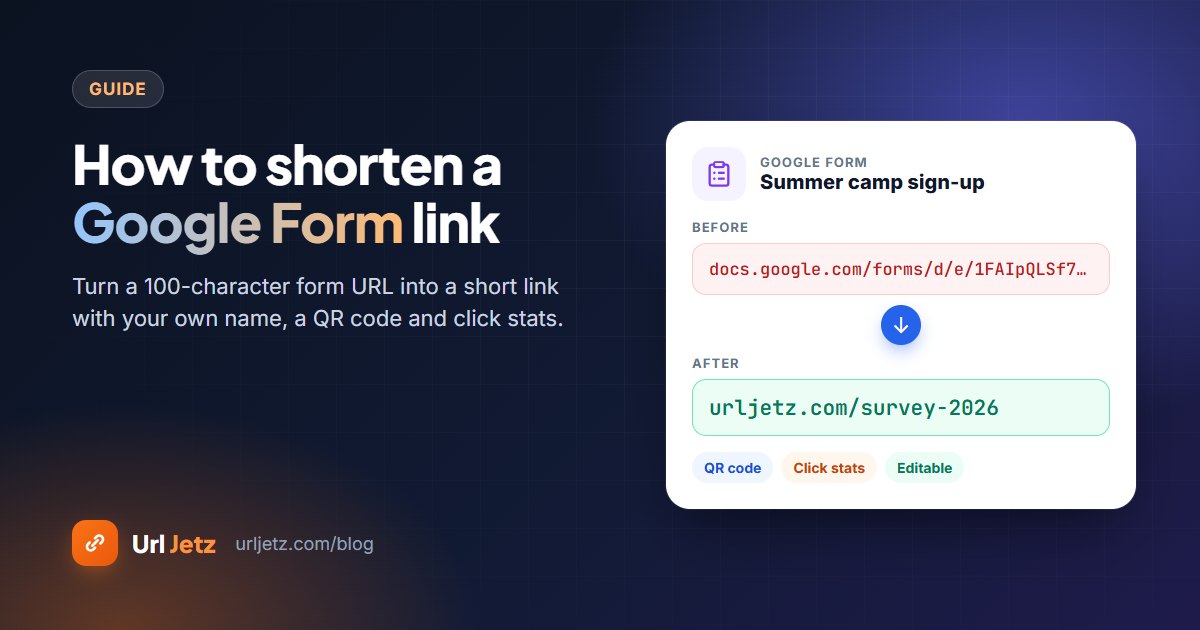
Can I make a short link for a Google Form too?
Yes. Follow our guide on how to shorten a Google Form link; it works the same way, with a custom name and a QR code.
Written by
Url Jetz Team
We build Url Jetz, a free URL shortener with custom short links, QR codes, Link in Bio pages and real-time click analytics. Our guides are written from what we see every day helping people share better links.